General Contracting software

Every phase, sub and dollar of the job, in one place.

Cortex runs general contracting and rebuild jobs from the signed contract through each phase, the subs and suppliers, change orders and draw invoices. Committed costs, bills, invoices and margin update on the job as the work happens.

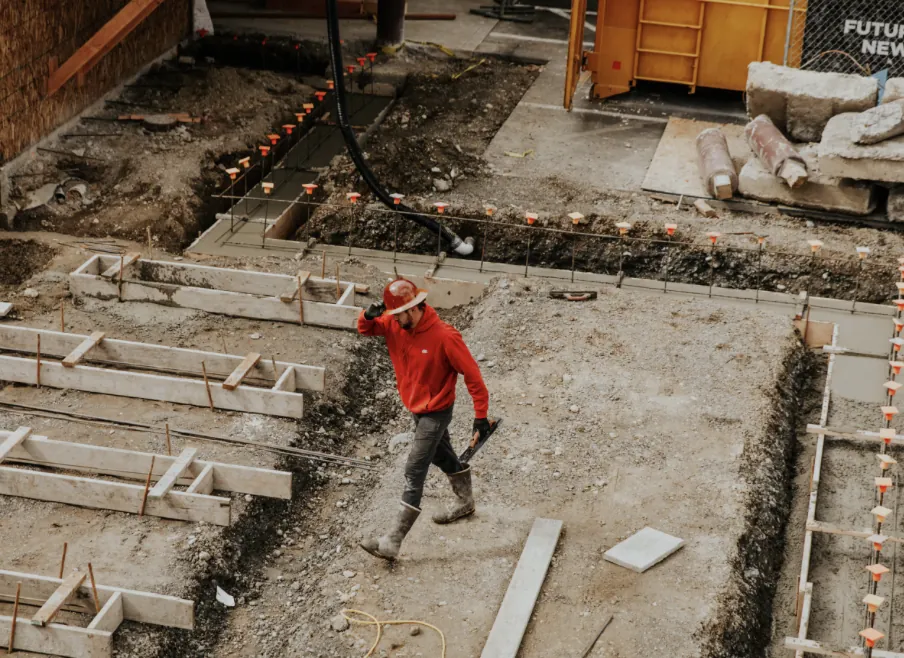
A construction worker in a hard hat walking across a foundation site with formwork and rebar.
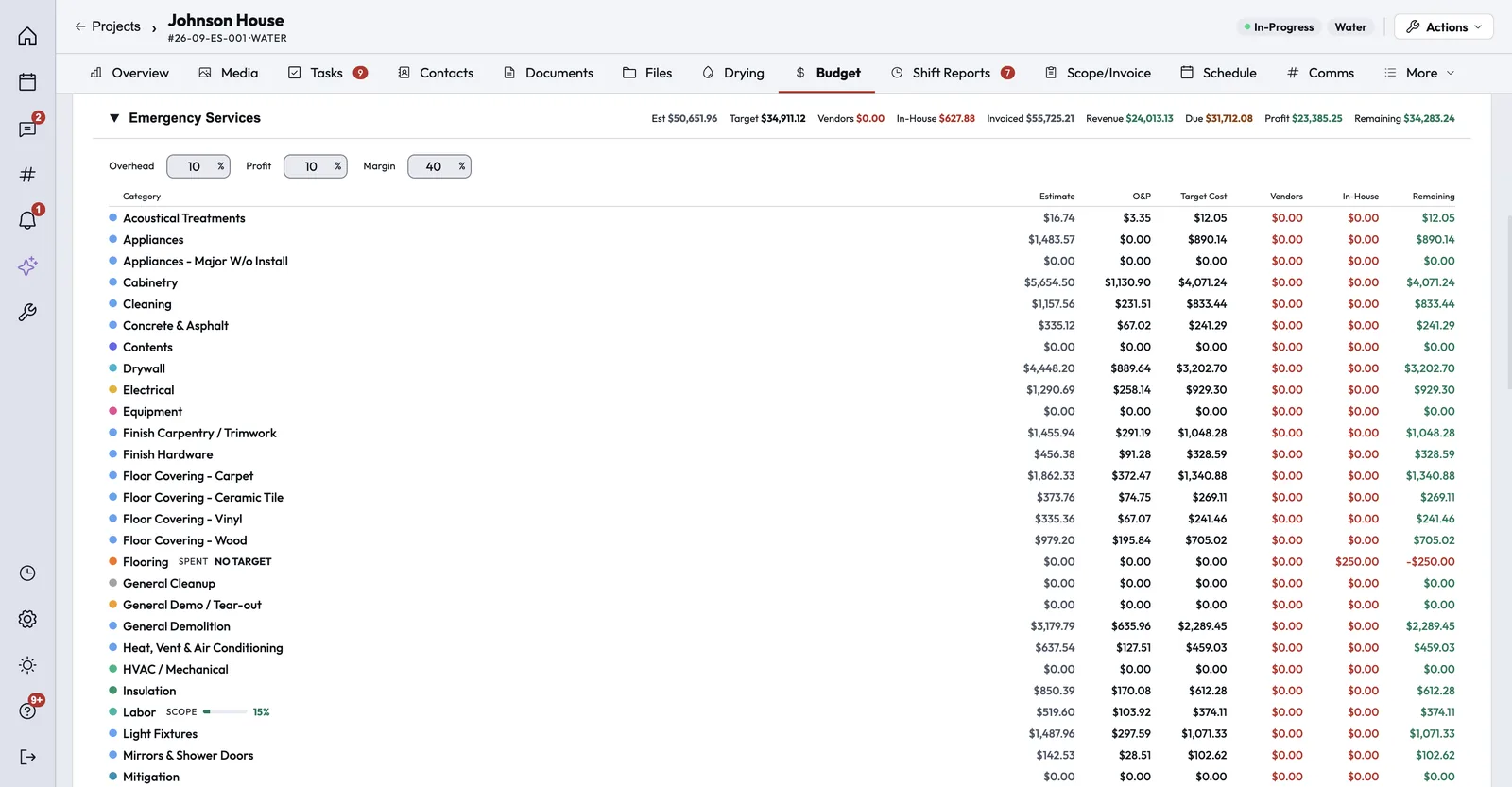
A project budget broken out by category, with estimate, overhead and profit, target cost, vendor and in-house costs and the amount remaining, under totals for invoiced, revenue and profit.
How it works

Every stage of a general contracting job, on one record.

The estimate, the contract, the phases, the subs and the money live on the same job, so the office and the field read the same numbers.

Step 1 of 6

Lead and estimate

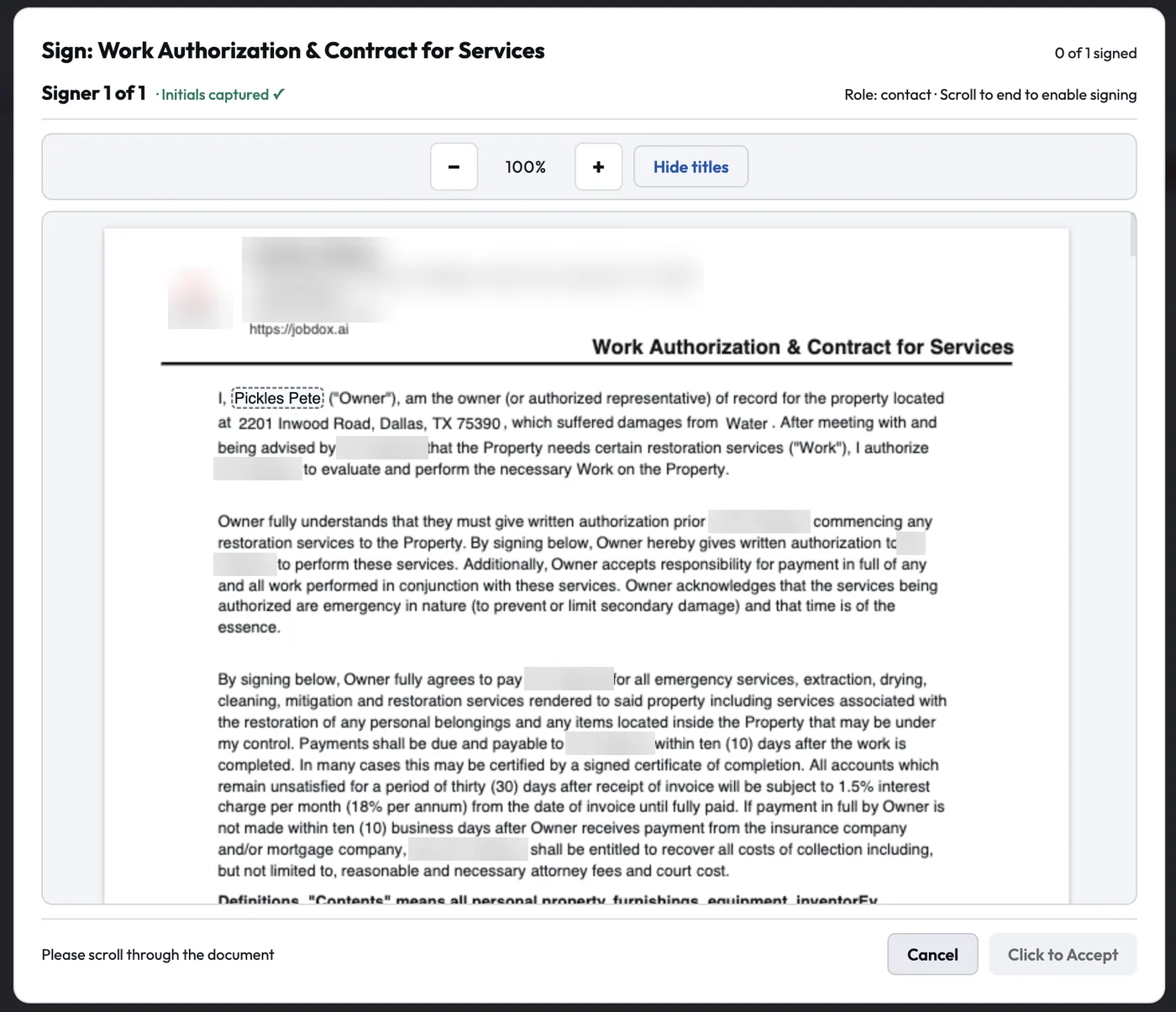
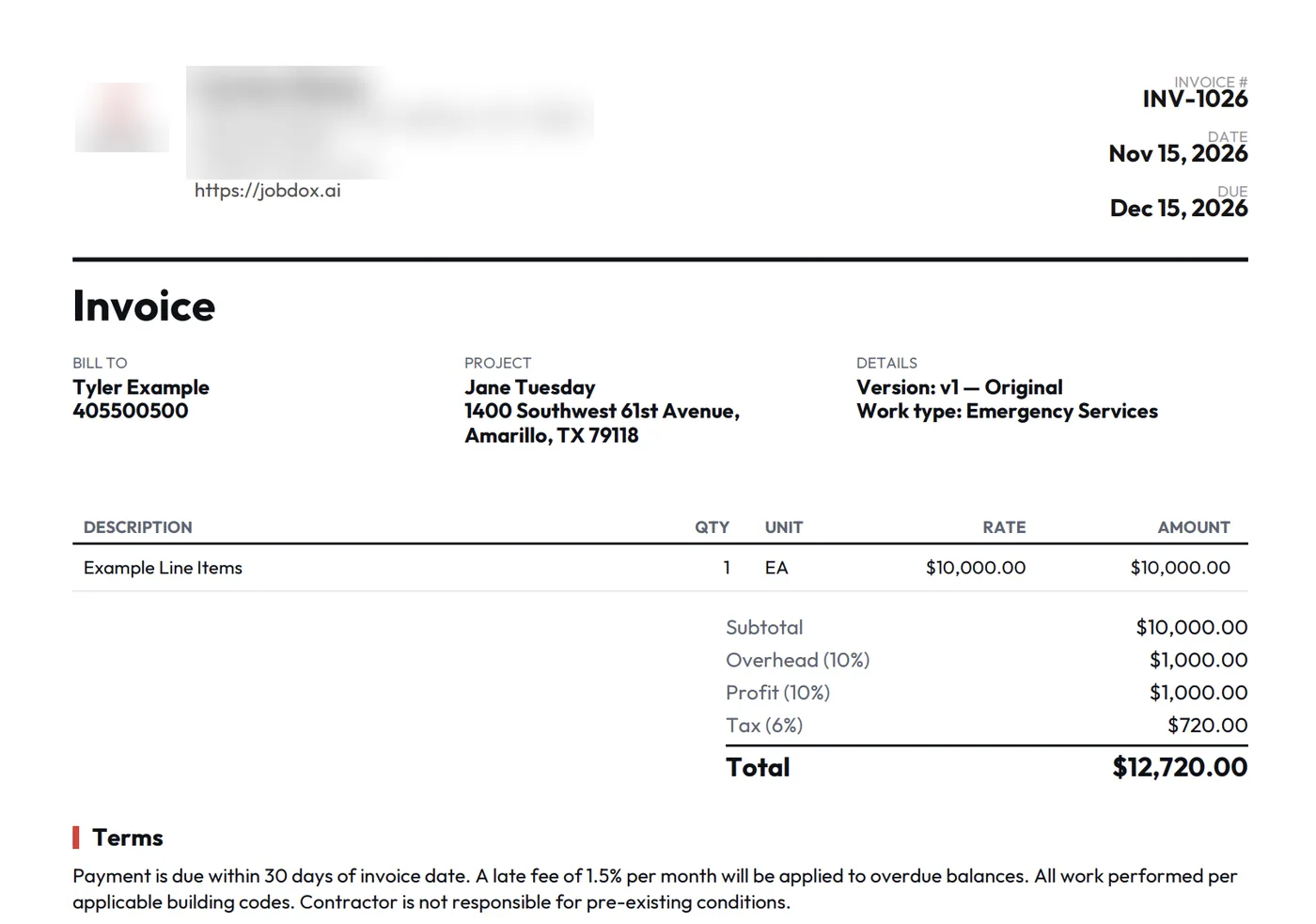
New leads arrive from your phone line, website form or online booking with their tasks already in place. Build the estimate line by line and by room with overhead and profit, or present Good, Better, Best options.

  • Reusable estimate packages
  • Estimates signed in person or accepted in the Customer Portal
  • Acceptance can create the invoice automatically

Tools: Cortex Estimate, Price Lists, Website widget

Lead and estimate screenshot
Customer photo
"The JobDox Team allows me to keep my customers informed daily. It also allows me to track budgets, daily updates, photos, daily tasks, and employee time — all from one portal."
Stephen K.
Operations Manager

Read All Reviews on Capterra

Beyond the daily work

What else matters in general contracting.

The people around the job matter as much as the job itself. These are the two that come up most in general contracting.

Owners and homeowners screenshot
Owners and homeowners

Fewer “where are we?” calls.

The Customer Portal gives your client the schedule, the estimate to accept, a place to pay, documents, project updates, photos (they can add their own) and messages. Every tab can be switched off company-wide, and the portal can be turned off for a single job or contact.

Scheduled project-update emails can send an AI summary or your plain notes, on the schedule you choose.
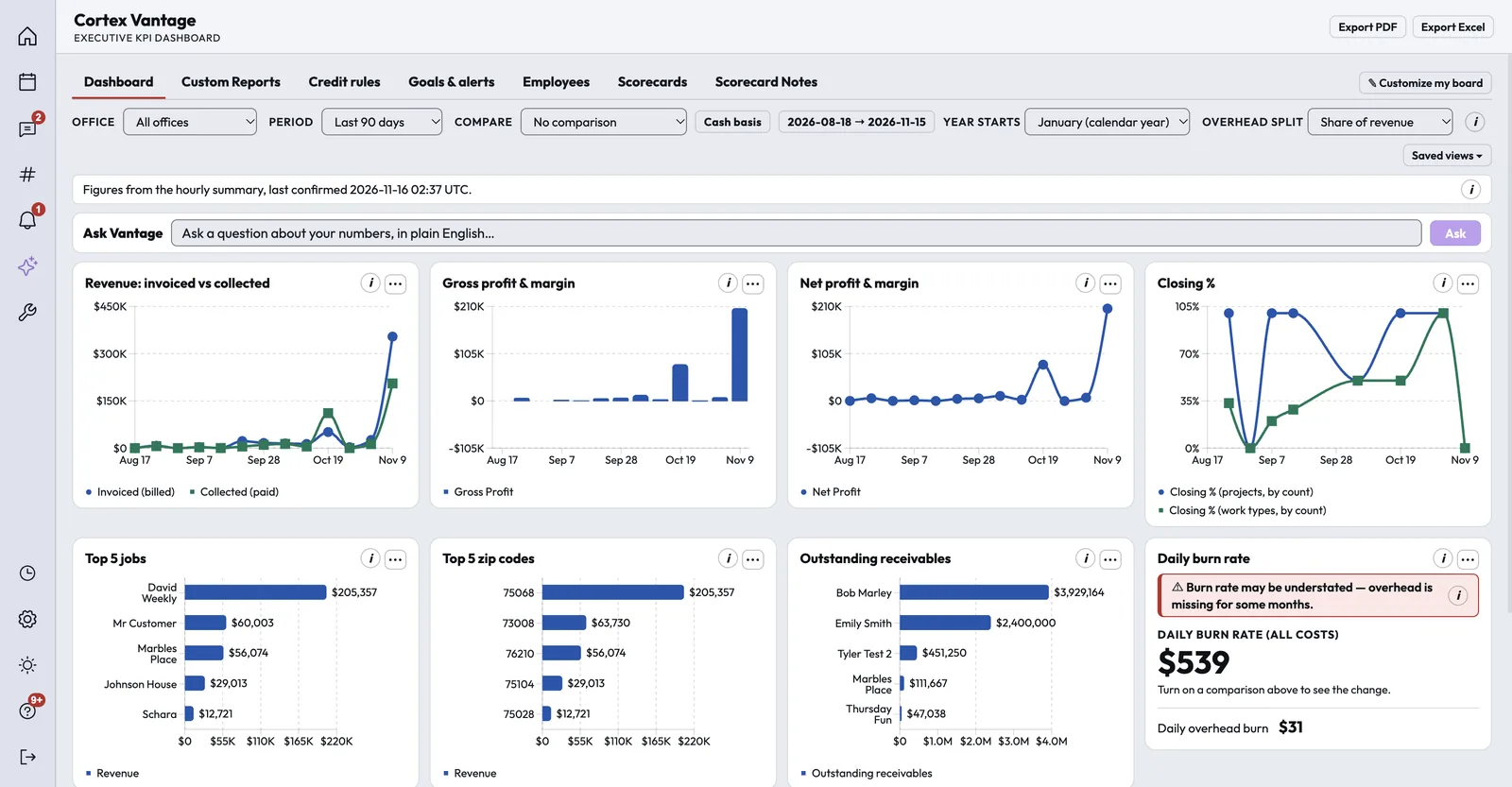
The Cortex Vantage owner dashboard with an Ask Vantage box and charts for revenue invoiced versus collected, gross and net profit, closing rate, top jobs, top ZIP codes and outstanding receivables.
The owner's view

Know where every job and dollar stands.

Cortex Vantage puts revenue, gross and net profit, collections, staff activity, goals and employee scorecards on one screen. Ask Vantage answers plain-English questions; it picks the metric, and the numbers are calculated, not written by AI.

Reports cover revenue, work in progress, money owed by age and sales, with scheduled email reports for the people who need them.

Integrations

Connects to the tools general contracting teams use.

These connections are live today. Anything else can connect through Zapier or the Cortex API.

QuickBooks OnlinePer-office sync of customers, invoices, payments, bills and time
QuickBooks PaymentsCard processing through your own QuickBooks account
Authorize.netCard payments, pay-by-link and refunds
Google and Outlook calendarsTwo-way sync of each person's appointments
Acorn FinanceAn Apply for Financing link on estimates and the pay page
OpenWeatherCurrent and historical weather on jobs
RoutificRoute ordering for Optimize Day in Dispatch
Zapier and the Cortex APIA REST API and signed webhooks to connect other apps
FAQ

Questions general contracting teams ask.

Something else on your mind? Contact Us

Run your next general contracting job on Cortex.

Try Cortex free for 14 days with no card, or talk with us about how your jobs run today.