
Electrical software

Service calls, panel upgrades and new work, on one record.

Cortex runs electrical service, panel, generator and new construction jobs from the first call through options signed on site, safety checklists, crew hours and the final invoice. Subs, suppliers and the customer stay connected to the same job.

An electrician testing the wiring in a breaker panel with a clamp meter.
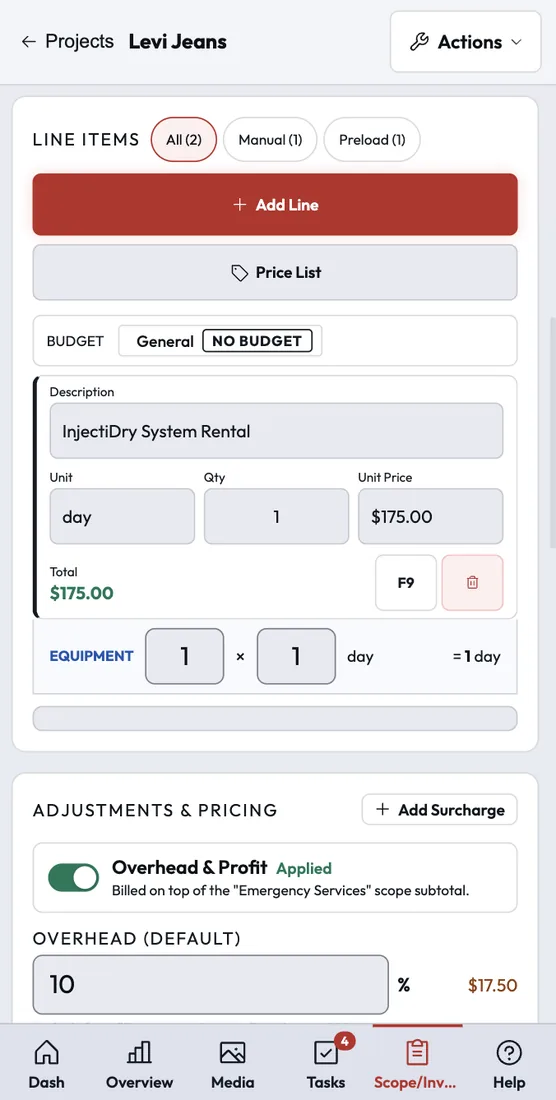
Product screenshot
How it works

Every stage of an electrical job, on one record.

From a same-day service call to a multi-week new build, the options, checklists, hours and money stay on one job.

Step 1 of 6

Booking and intake

Leads arrive from your phone line, website form or online booking with their tasks already in place. Work types like Service, Panel, New Construction and Generator each keep their own statuses.

  • Booking calendars per office with arrival windows
  • Call routing with ring groups and business-hours rules
  • Custom intake questions on the New Project form

Tools: Phone system, Online self-scheduler, Website widget

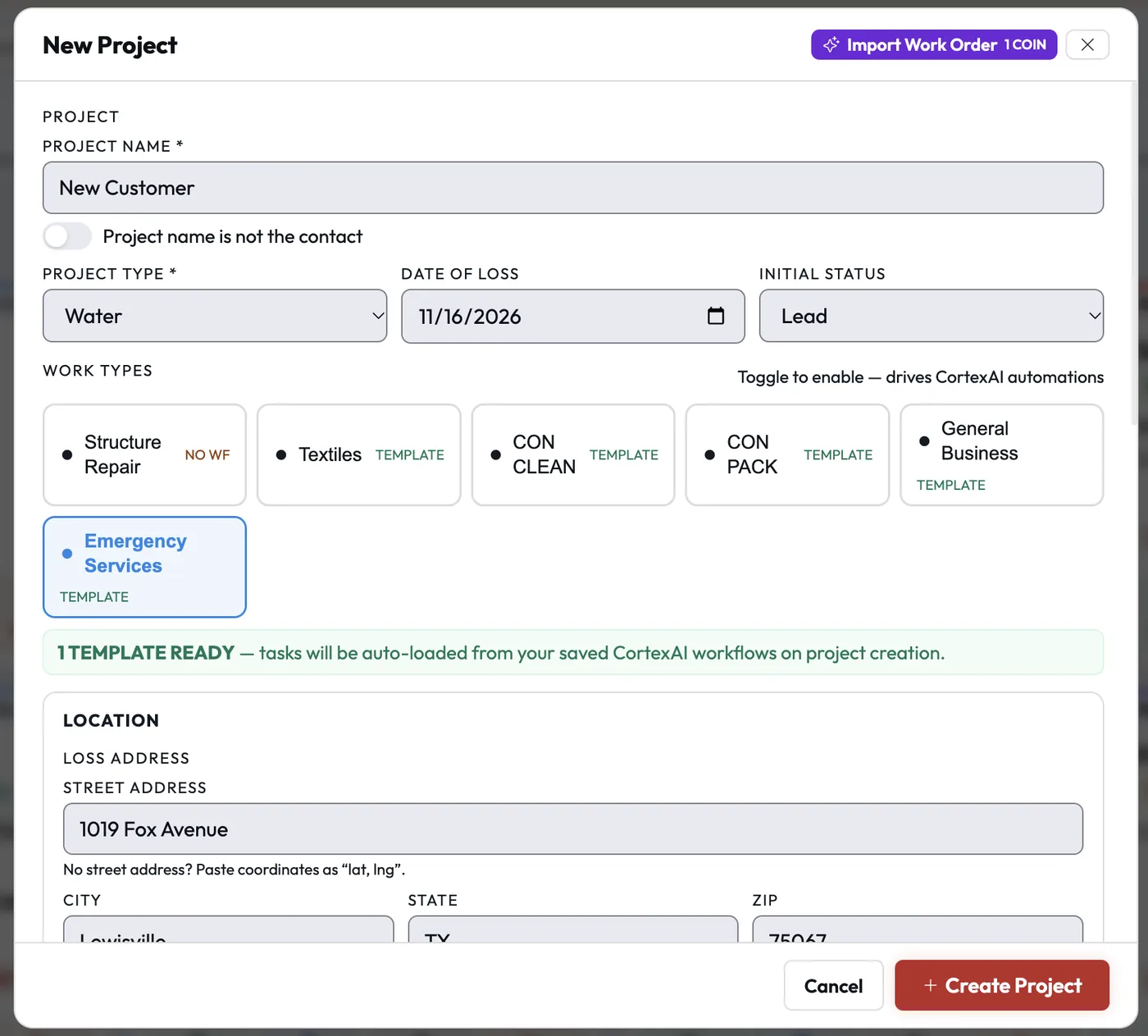
The New Project form: project name, type, date of loss, initial status, work types with their CortexAI workflow templates, and the loss address.
Customer photo
"The JobDox Team allows me to keep my customers informed daily. It also allows me to track budgets, daily updates, photos, daily tasks, and employee time — all from one portal."
Stephen K.
Operations Manager

Read All Reviews on Capterra

Beyond the daily work

What else matters in electrical.

The people around the job matter as much as the job itself. These are the two that come up most in electrical.

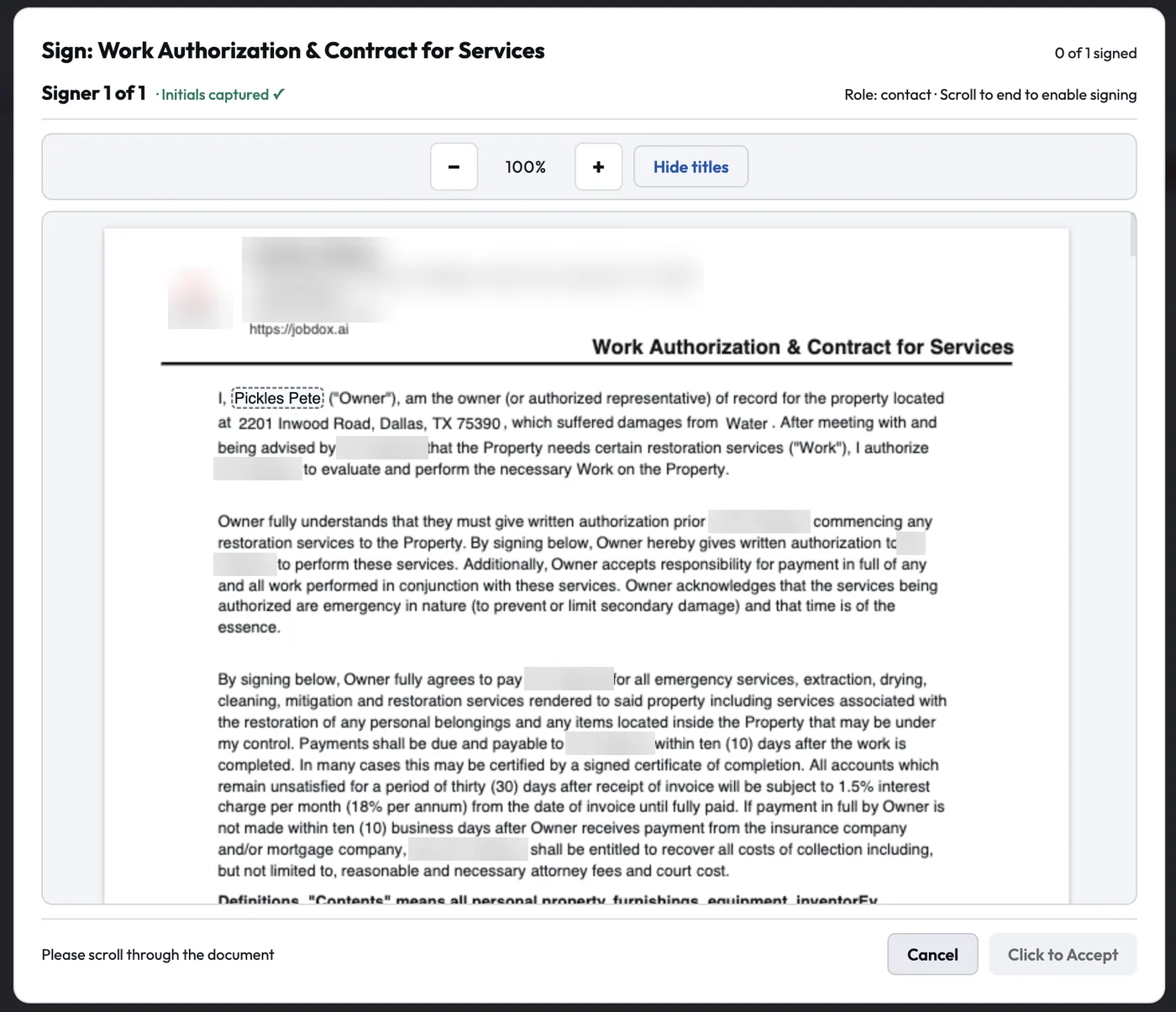
A work authorization and contract open for signature, showing the document text and the button to accept once the signer has scrolled to the end.
Documents and sign-offs

Every contract and sign-off where it belongs.

Build documents from block-built templates or your own PDFs, with signature, initial and date fields, signer roles and merge fields. Collect signatures in person or by link, with reminders and an audit page.

The Customer Portal gives the customer the schedule, documents, updates and a place to pay.
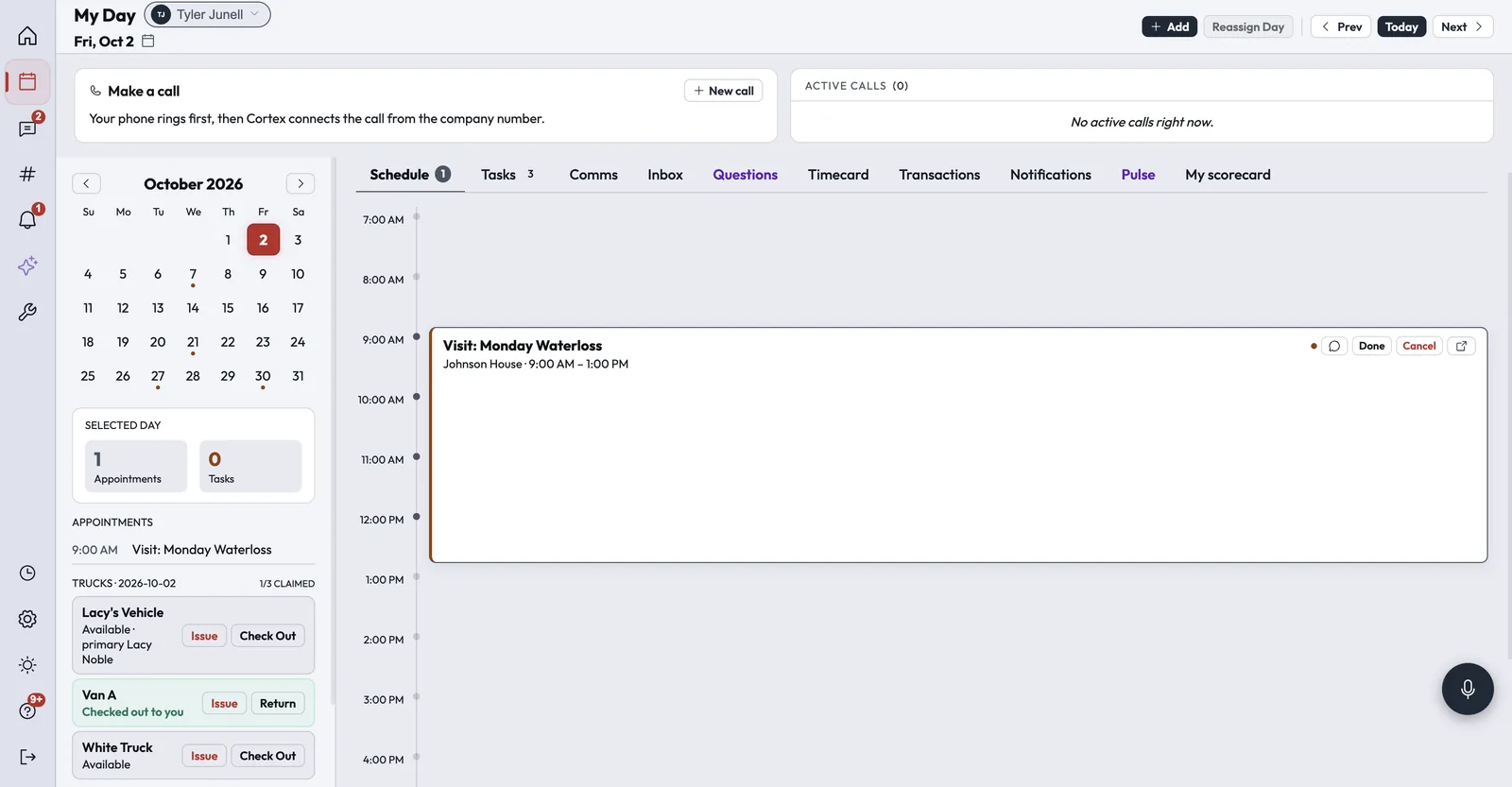
MyDay on a desktop screen, with the calendar, the day's schedule, tasks, timecard and truck check-out.
Running the office

Answers without digging through screens.

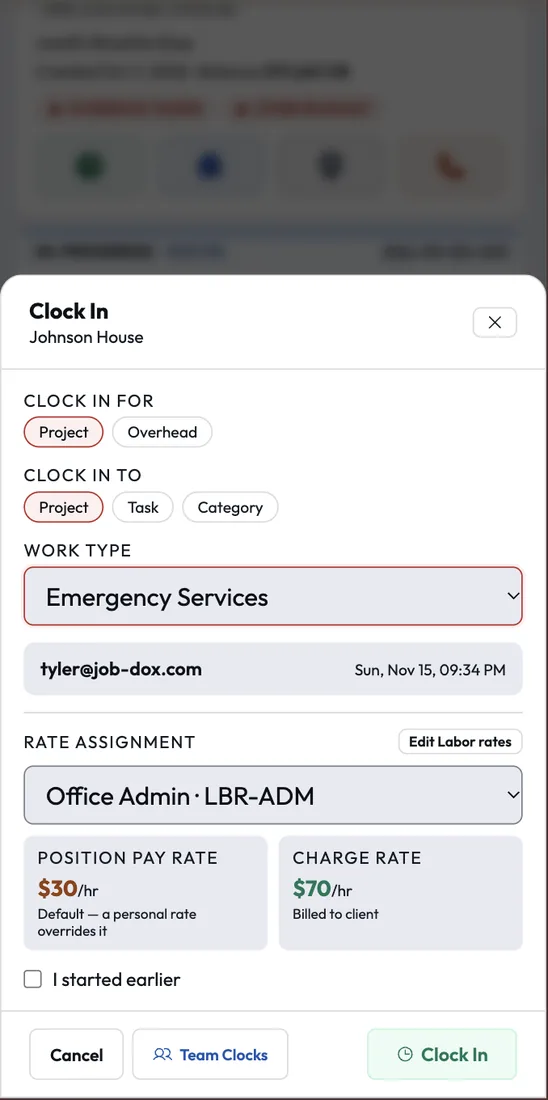
Ask Cortex Copilot about your jobs, crews and money in plain English; when it suggests an action, a person confirms it first. MyDay gives each person their own view of the day: their schedule, assigned jobs and tasks, and their timecard for clocking in, so everyone starts the day knowing what's next.

Cortex Vantage gives owners revenue, profit, collections and goals on one screen, and Ask Vantage answers plain-English questions with calculated numbers.

Integrations

Connects to the tools electrical teams use.

These connections are live today. Anything else can connect through Zapier or the Cortex API.

QuickBooks OnlinePer-office sync of customers, invoices, payments, bills and time
QuickBooks PaymentsCard processing through your own QuickBooks account
Authorize.netCard payments, pay-by-link and refunds
Acorn FinanceAn Apply for Financing link on estimates and the pay page
Google and Outlook calendarsTwo-way sync of each person's appointments
RoutificRoute ordering for Optimize Day in Dispatch
Zapier and the Cortex APIA REST API and signed webhooks to connect other apps
FAQ

Questions electrical teams ask.

Something else on your mind? Contact Us

Run your next electrical job on Cortex.

Try Cortex free for 14 days with no card, or talk with us about how your jobs run today.